Connect a data source
A project reads data through data sources. Every project has one internal lakehouse, and you can add external databases beside it.
The internal lakehouse
Section titled “The internal lakehouse”Default Lakehouse is an Iceberg catalog that Kontext manages for the project. It needs no credentials, it is always present, and it is where imported files and generated artifacts are registered. Agents and the query editor can read it without extra setup, which is why a new project can answer questions before you connect anything else.
Supported sources
Section titled “Supported sources”| Source | Type | Notes |
|---|---|---|
| Internal Iceberg | Lakehouse | Managed by Kontext; always present |
| DuckDB | SQL, file-based | Point it at a .duckdb file |
| SQLite | SQL, file-based | Point it at a .db file |
| PostgreSQL | SQL, server | Host, port, database, credentials |
| MySQL | SQL, server | Host, port, database, credentials |
| SQL Server | SQL, server | Host, port, database, credentials |
| Oracle | SQL, server | Host, port, service name, credentials |
| Teradata | SQL, server | Host, port, database, credentials |
| Snowflake | SQL, cloud | Definition only in this runtime; queries are not executed yet |
| BigQuery | SQL, cloud | Definition only in this runtime; queries are not executed yet |
| HTTP API | API | Definition only in this runtime; queries are not executed yet |
The first eight are fully usable in local mode. The last three can be registered so the project records how they are reached, but this runtime does not yet run queries against them.
What the page shows
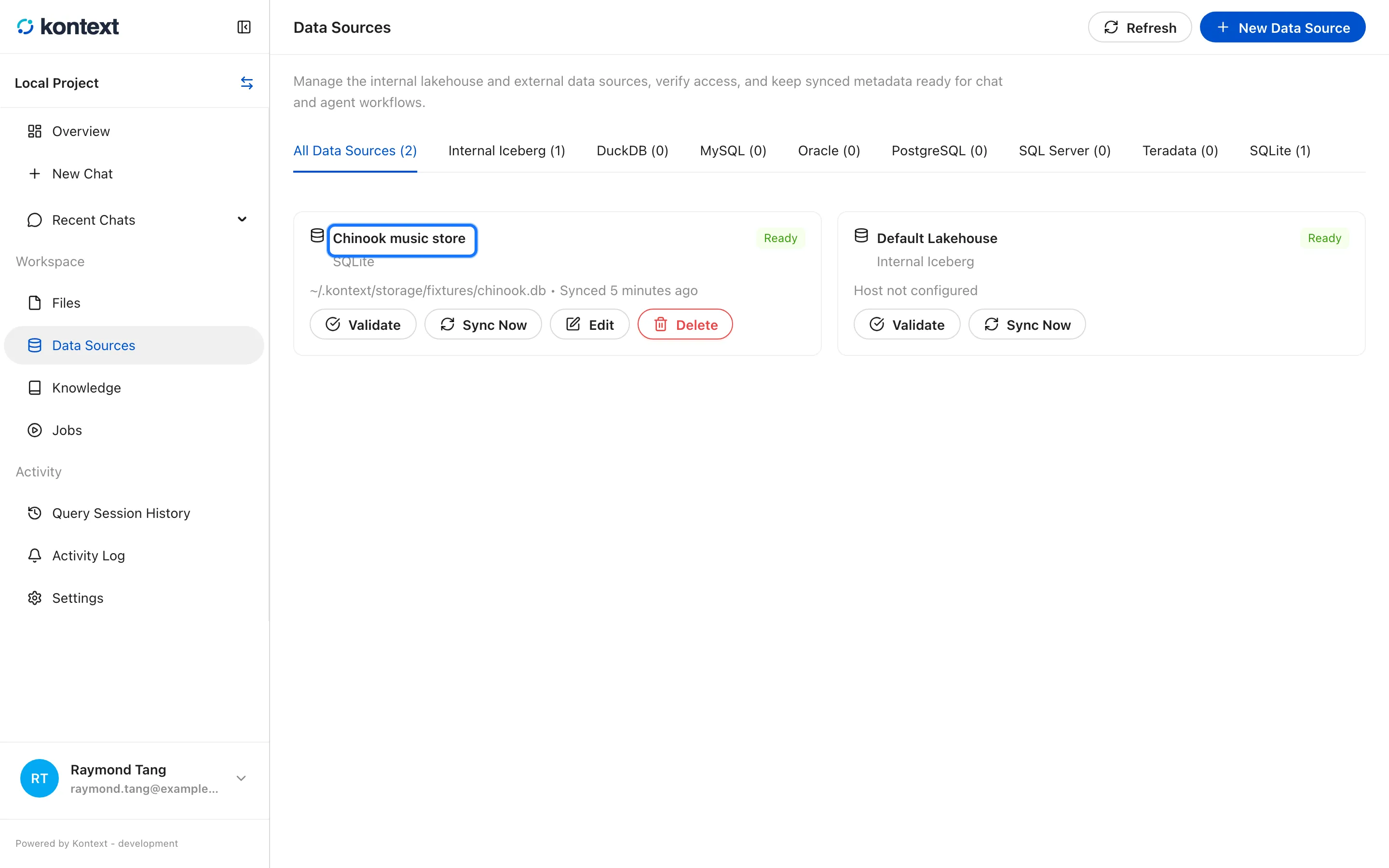
Section titled “What the page shows”Data Sources lists every connection with its provider, readiness, and connection details. External sources can be validated, synced, edited, or removed. Syncing reads the source’s schema so the query editor and agents know which tables and columns exist.
Add an external source
Section titled “Add an external source”- Each connected source shows its provider, readiness, and connection details. Sync Now refreshes its schema.
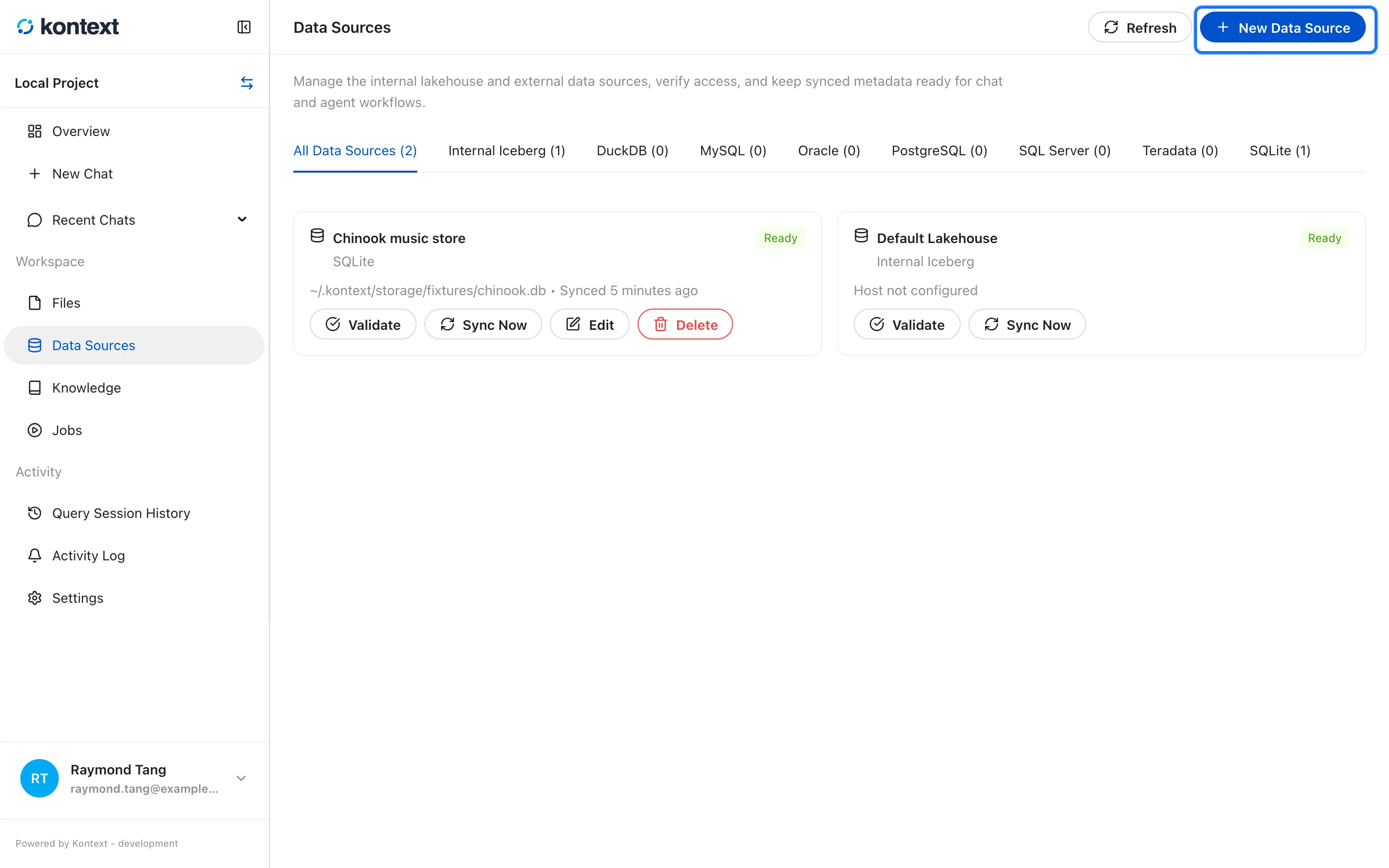
- Select New Data Source to add another connection.
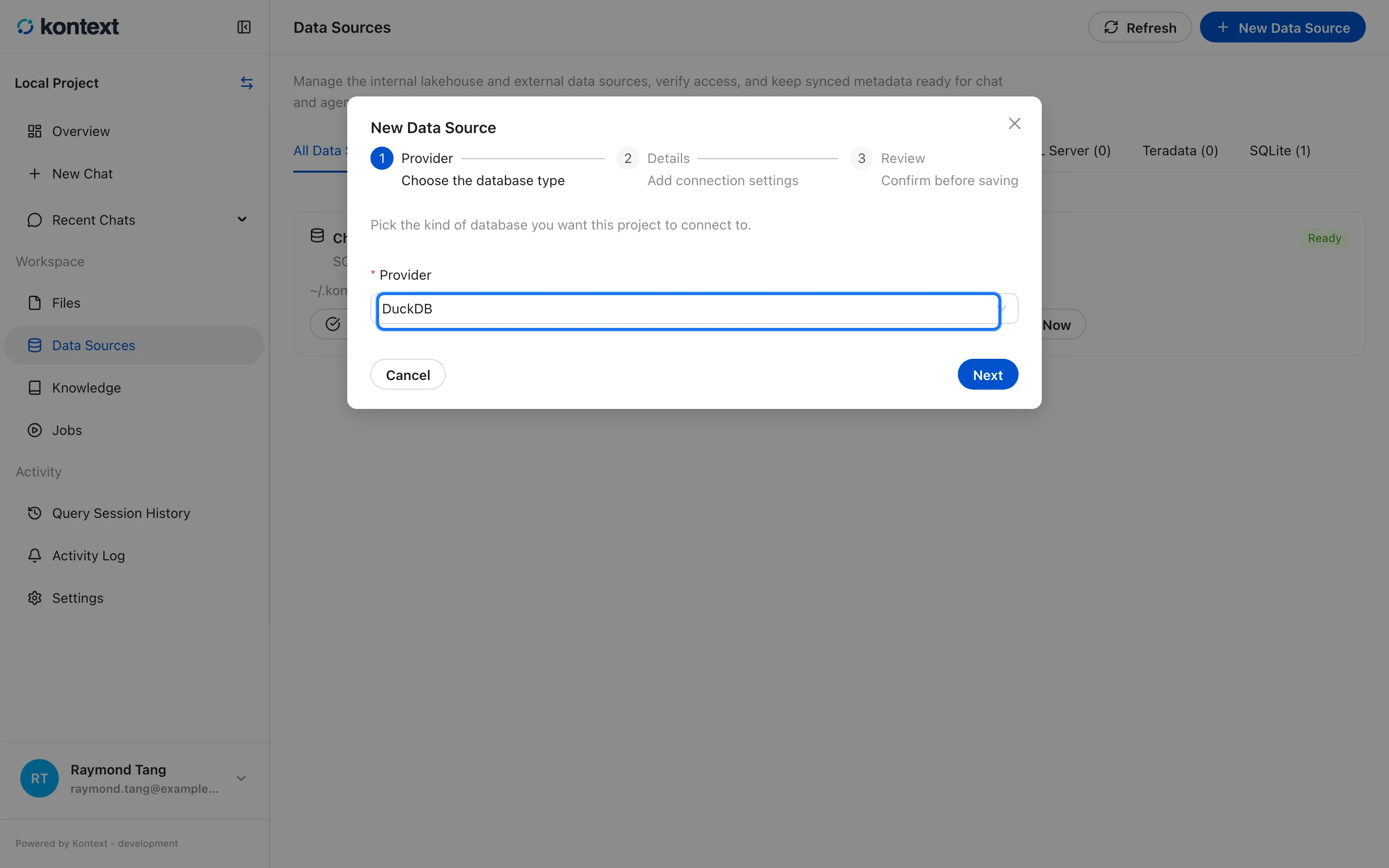
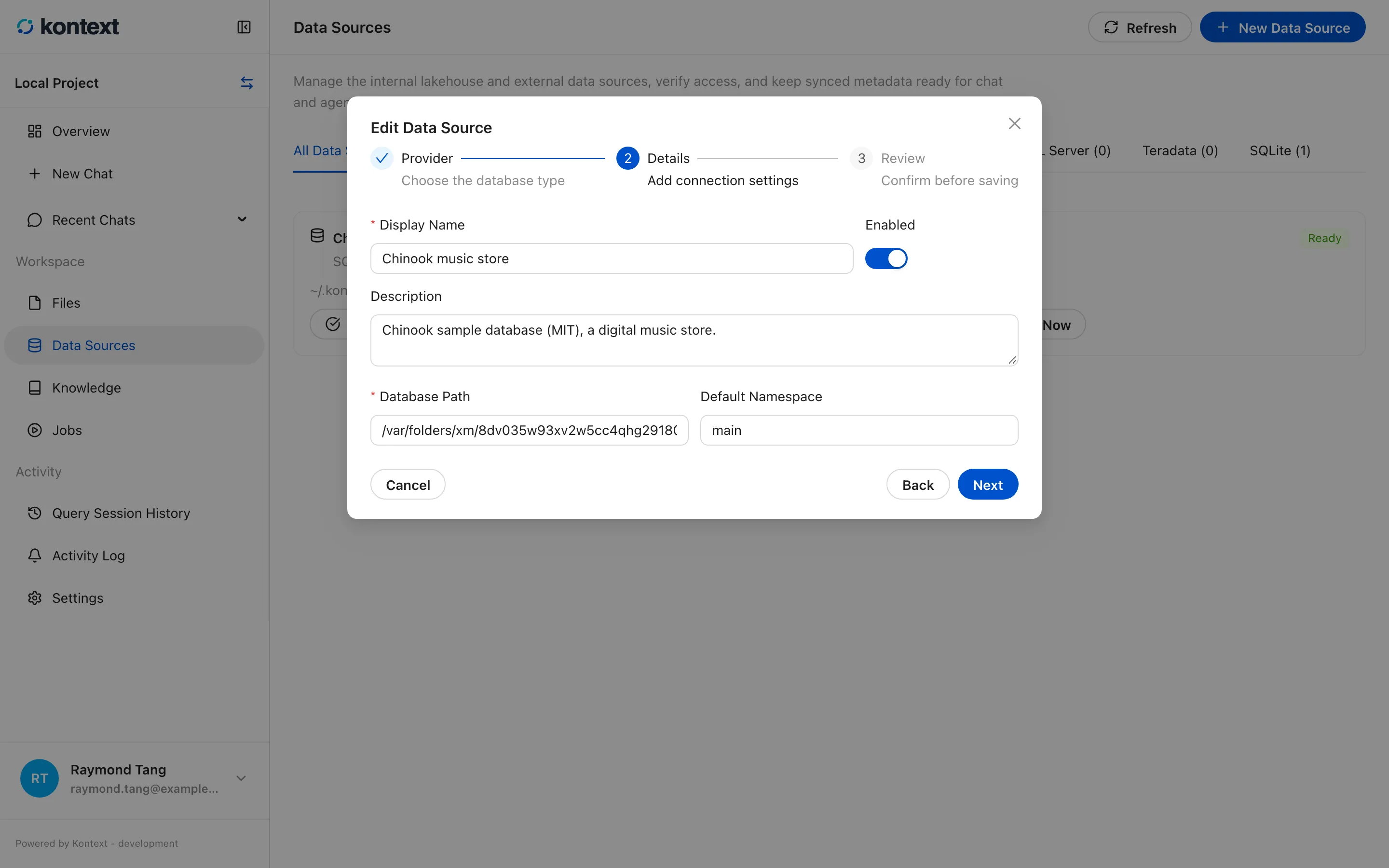
- Choose a provider. External databases and file-based sources share the same wizard: provider, details, and review.
- Edit reopens the connection form with its saved values. Leave a stored secret blank to keep it.
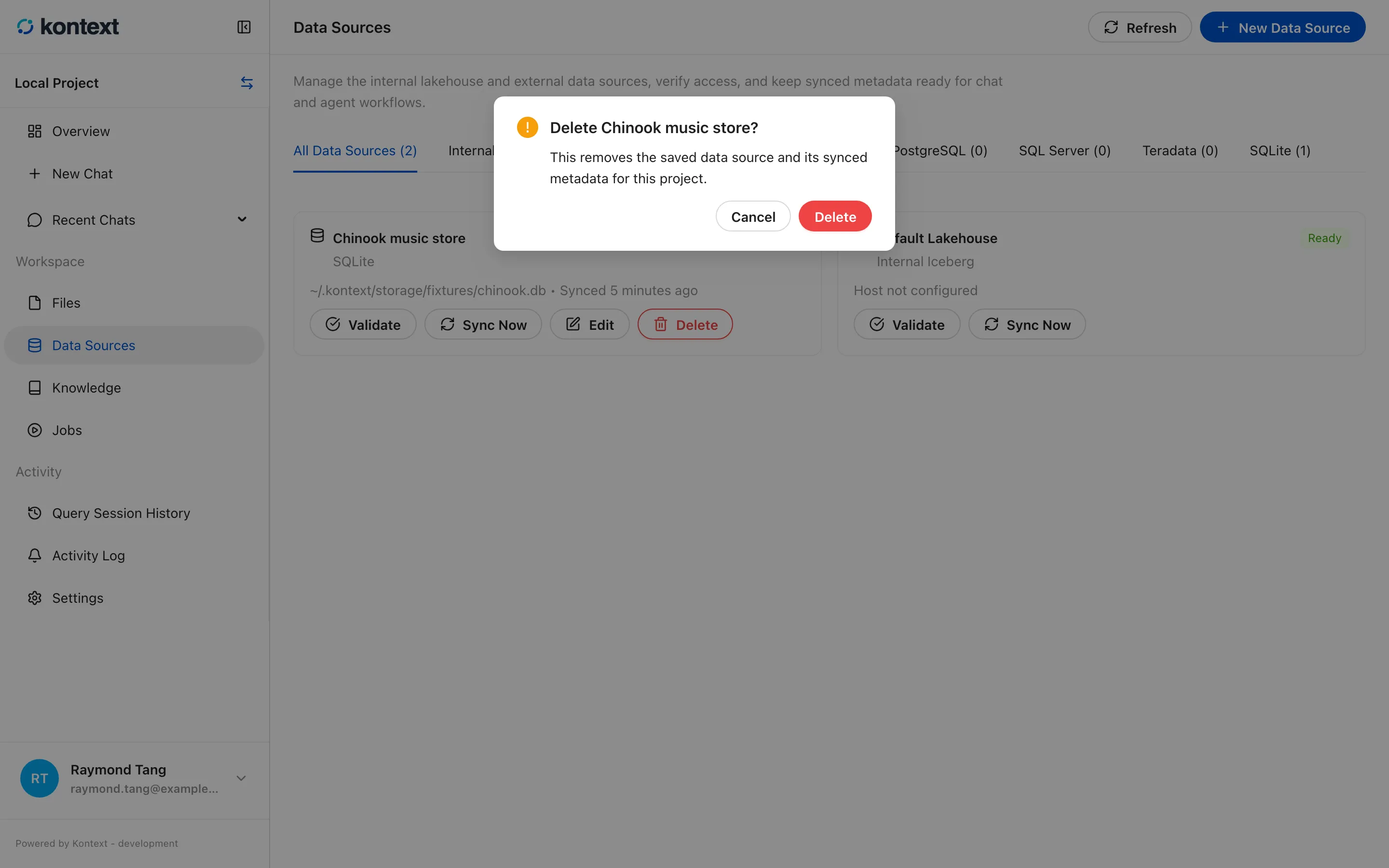
- Delete removes the saved connection and its synced metadata after a confirmation, without touching the database itself.