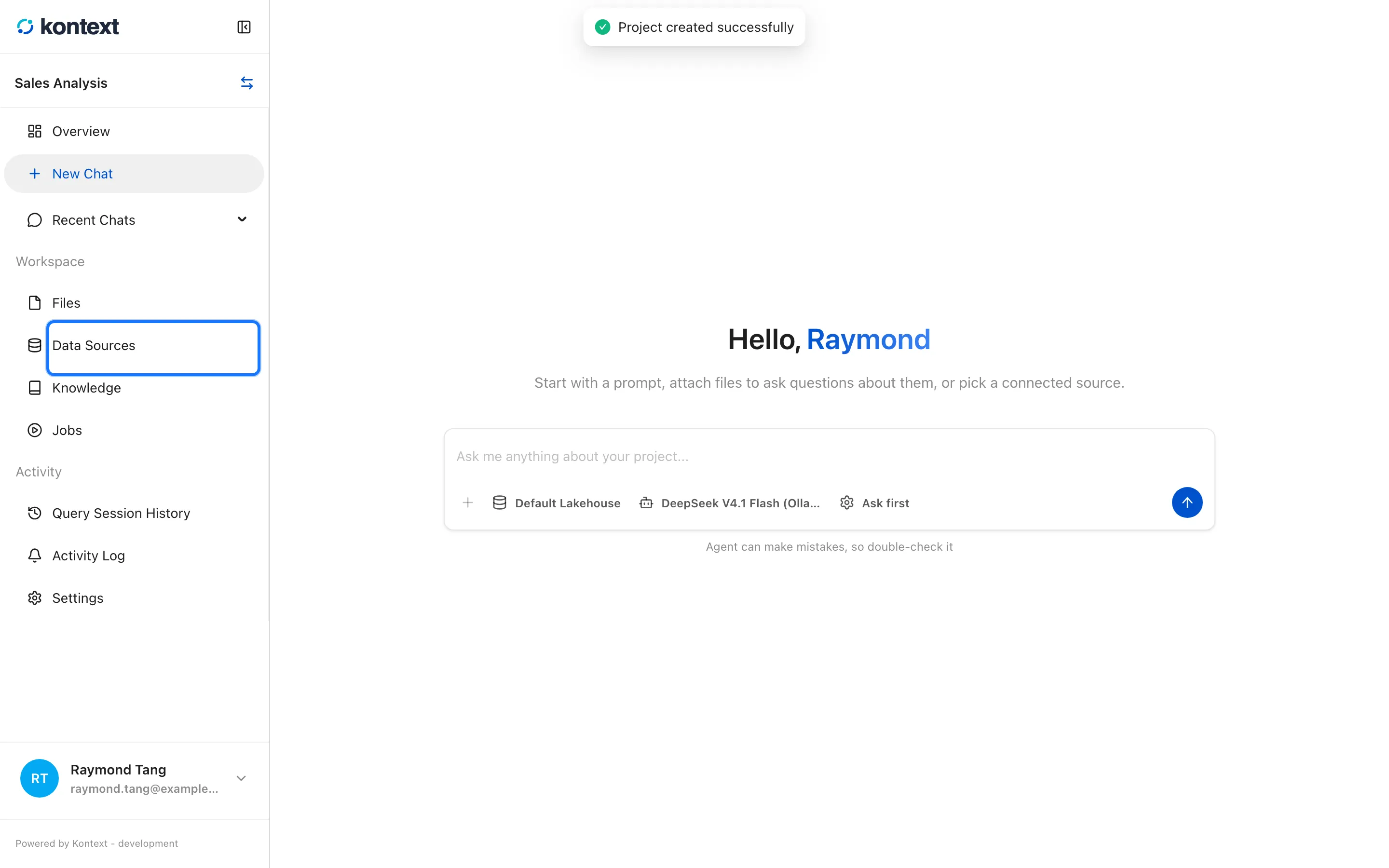
Open or create a project
Everything in Kontext lives inside a project. A project owns its data sources, files, notebooks, chats, and settings, and every screen in the app is scoped to one project at a time.
Open a project
Section titled “Open a project”The home page lists the projects you can access. Select a project name to open its overview, which gathers the data sources, files, notebooks, chats, and settings for that project.
Find a project
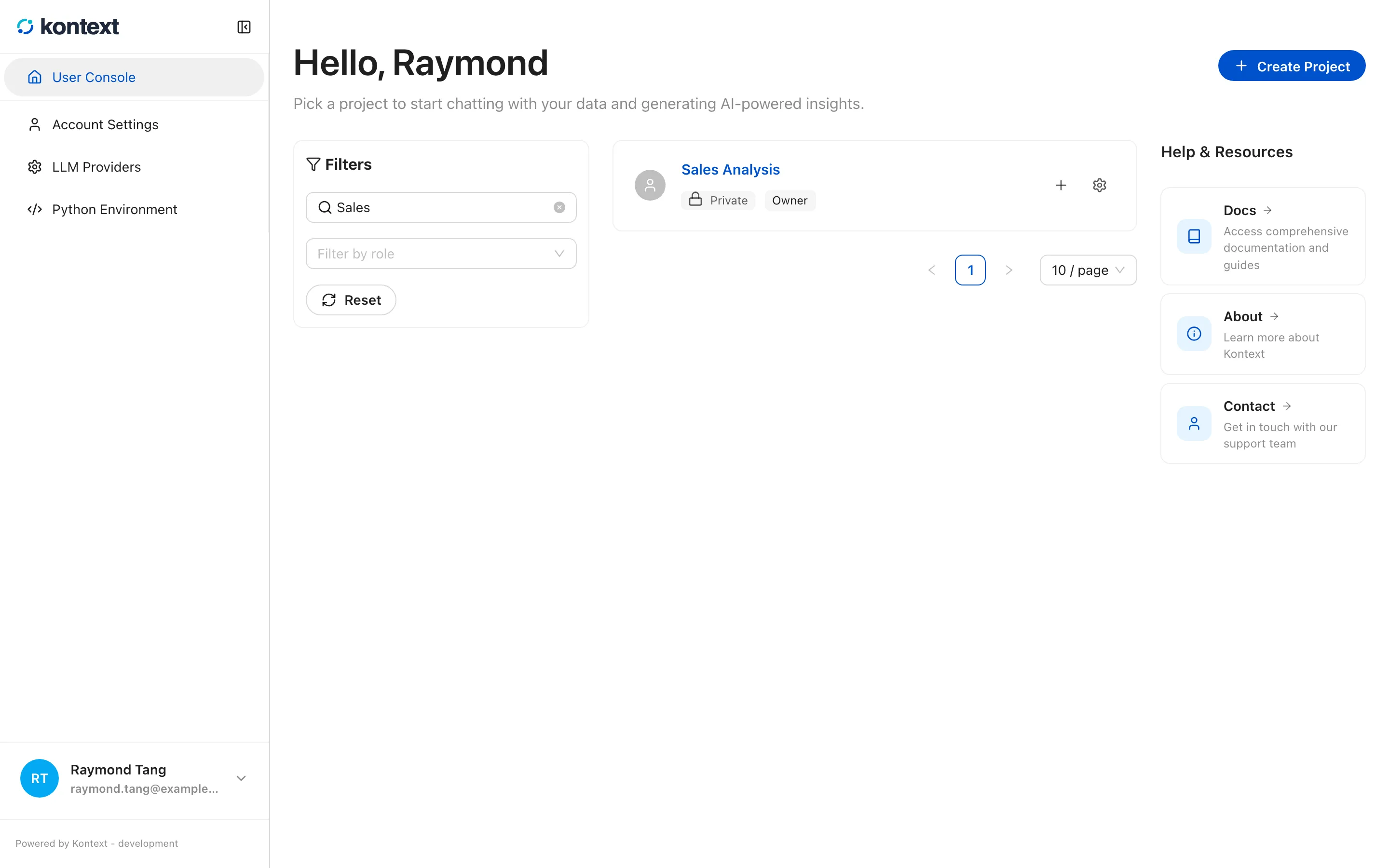
Section titled “Find a project”The search box matches project names, and Filter by role narrows the list to the projects where you have a chosen role. Reset clears both filters.
- The search box filters the project list by name. Reset clears the search and role filters.
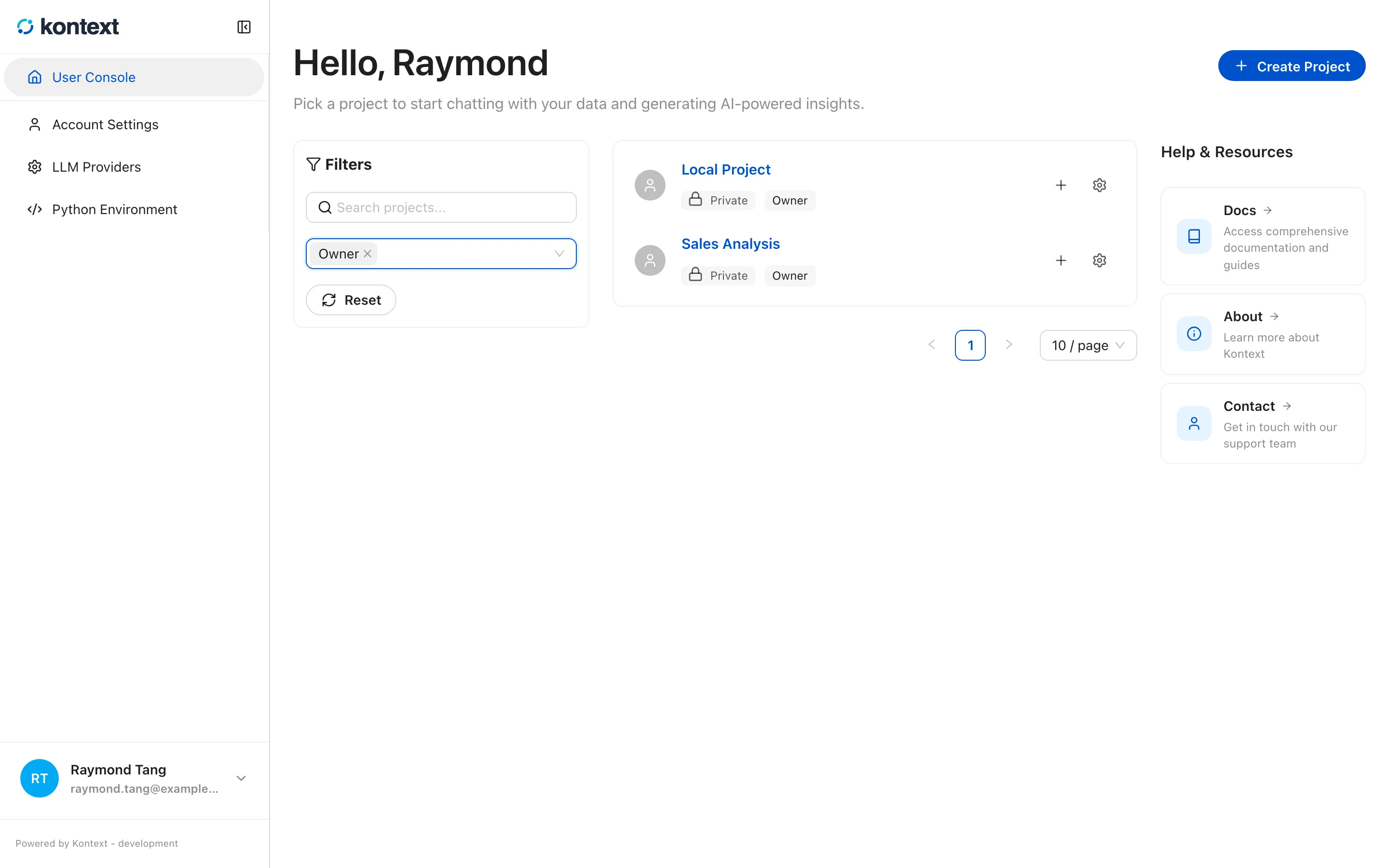
- Filter by role limits the list to projects where you have a given role, such as owner, admin, contributor, or reader.
Create another project
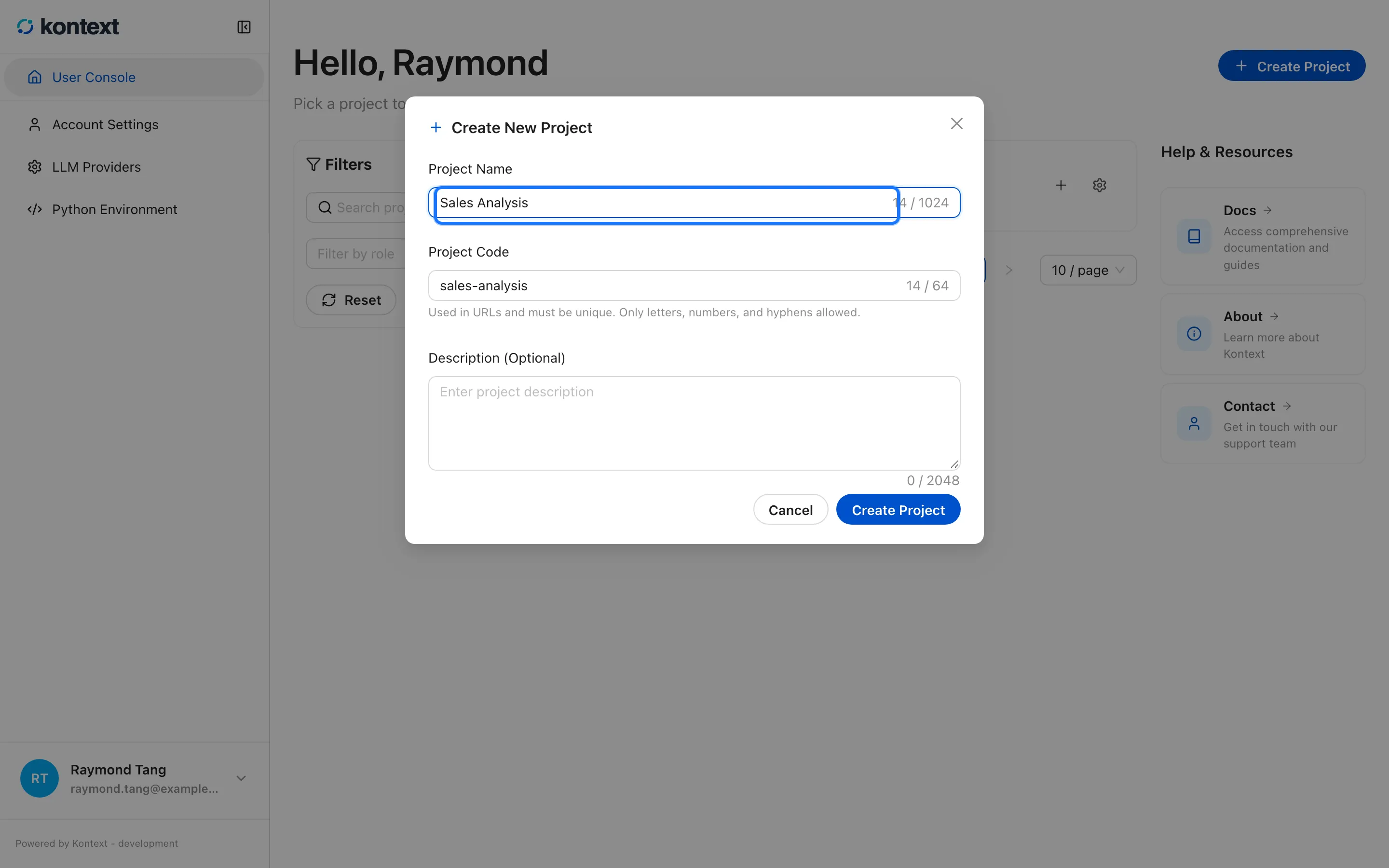
Section titled “Create another project”- Select Create Project on the home page.
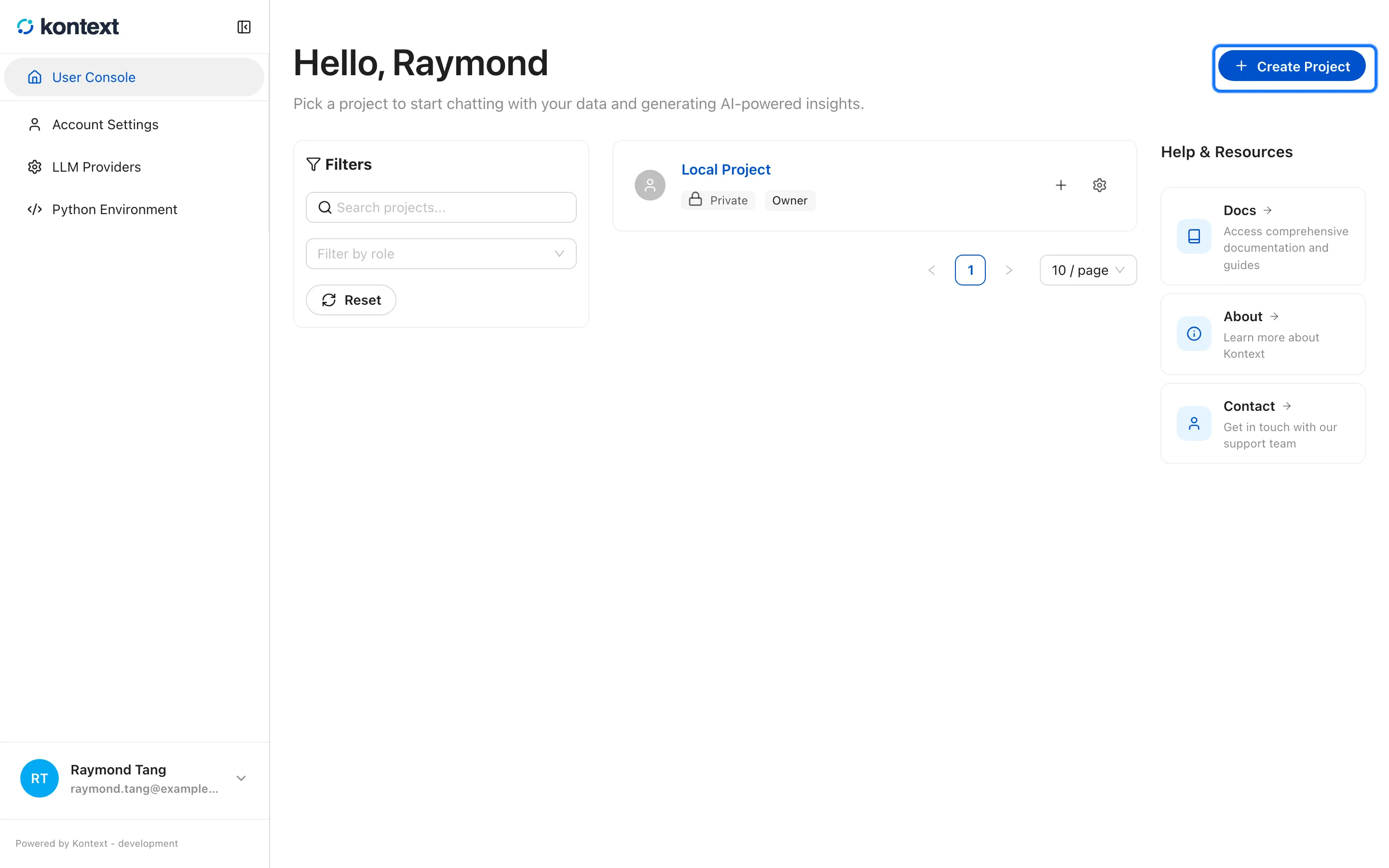
- Give the project a name. Kontext derives the project code from it, and the code appears in the project URL.
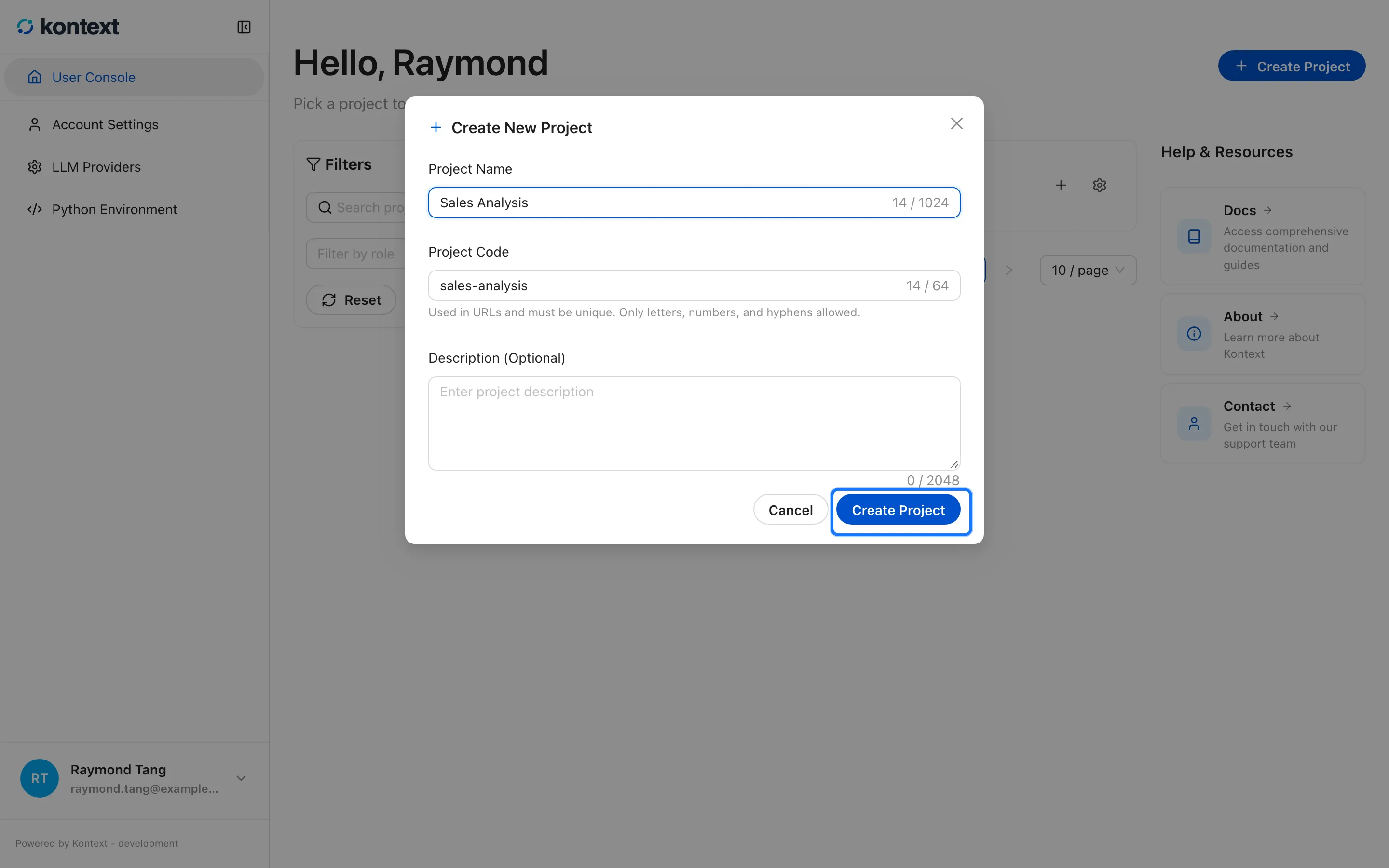
- Select Create Project in the dialog to open the new project.
- The project overview collects data sources, files, notebooks, chats, and settings.