

Ground an agent in knowledge
Knowledge is the project’s curated business context: metric definitions, entities, join rules, and golden queries that an agent can cite instead of guessing. Each entry is a concept in the Open Knowledge Format (OKF), stored in the project and projected into a search index for retrieval.
Curated concepts are different from the project files. A file is source material; a concept is a reviewed statement about how the data should be interpreted. That is why an agent can use it as context for SQL, charts, and explanations.
Browse concepts
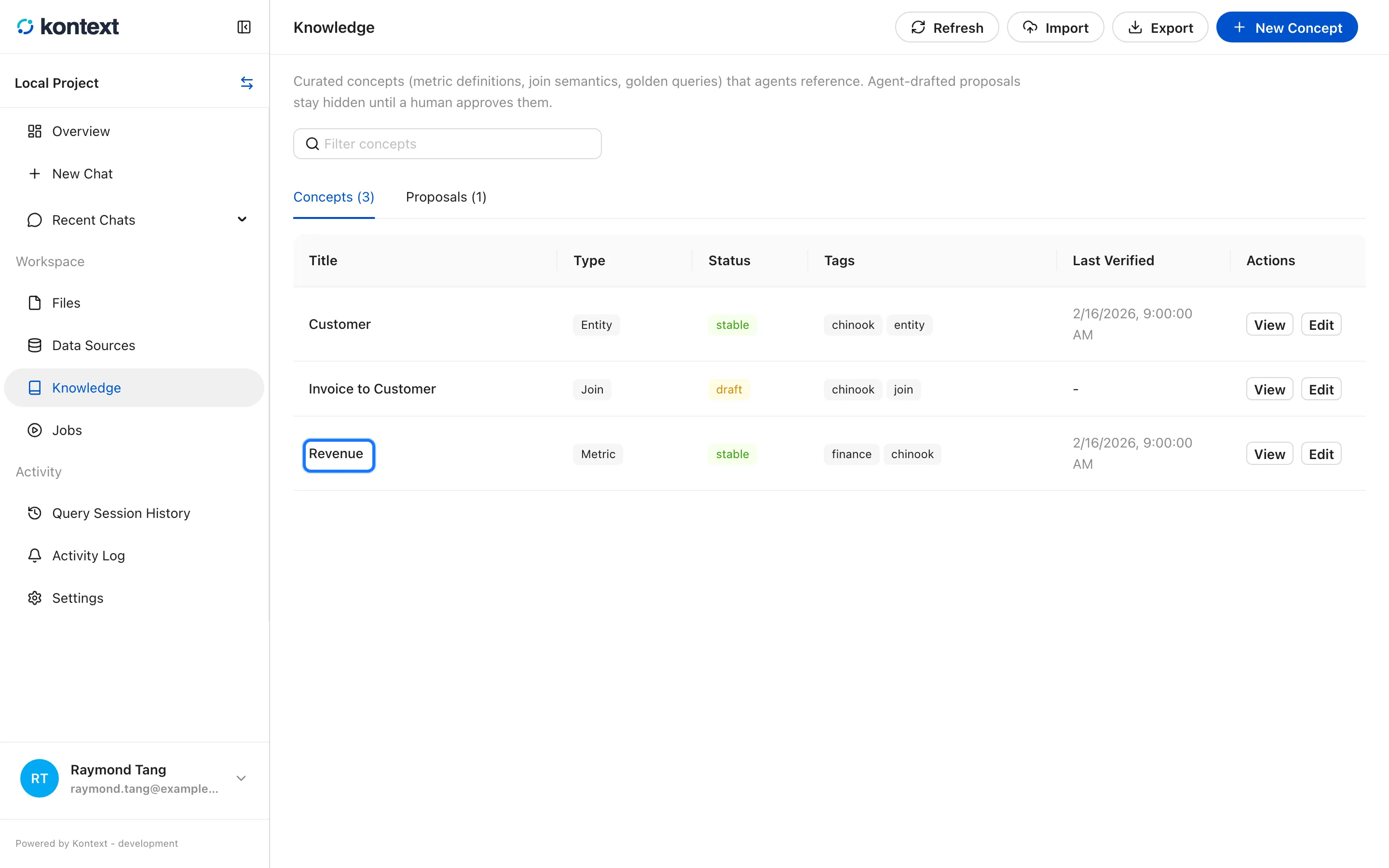
Section titled “Browse concepts”Open Knowledge in the project sidebar. The Concepts tab lists every concept with its type, status, tags, and last verification date. The search box filters by title, id, type, description, and tags.
- Knowledge holds the curated concepts an agent can cite: metric definitions, entities, joins, and golden queries. Each concept carries a type, status, tags, and the last verification date.
Create or edit a concept
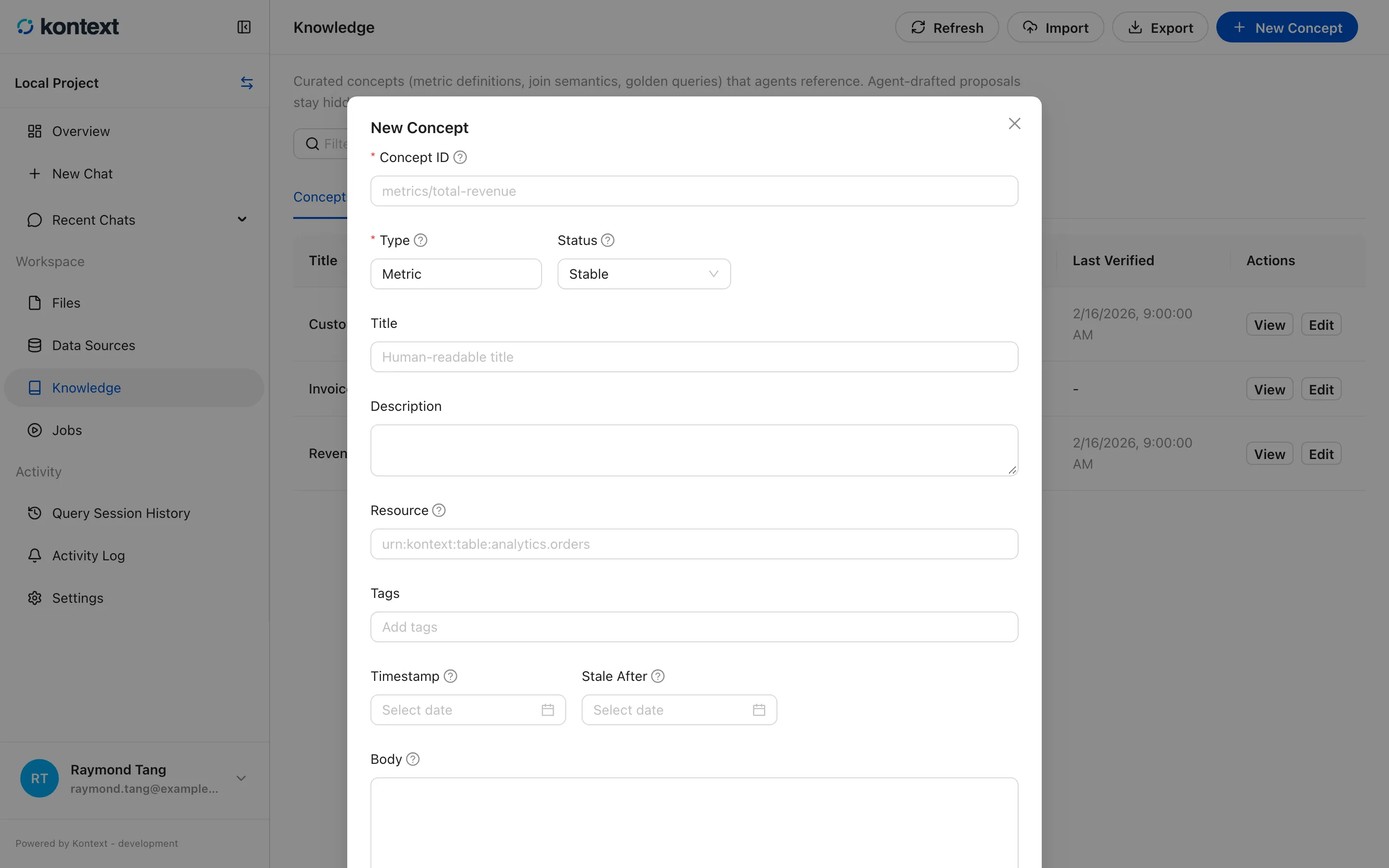
Section titled “Create or edit a concept”New Concept opens the editor. The important fields are:
- Concept ID is the stable path, for example
metrics/revenue. Agents and links use it, so keep it readable and don’t reuse it for a different meaning. - Type groups the concept:
Metric,Entity,Join,Query, and so on. - Status controls whether the concept is usable:
draftis under review,stableis ready, anddeprecatedis kept for history. - Body is Markdown. Put the actual definition or rule here, including the tables and columns it applies to.
- Stale After marks when the concept should be reviewed again. A concept past
that date shows as stale even if its status is still
stable.
Every save updates the durable concept store and the knowledge index together, so an agent sees the change on its next run.
- New Concept opens the editor: id, type, status, title, description, resource, tags, body, and the freshness window. The id is the stable path agents and links use.
Review agent proposals
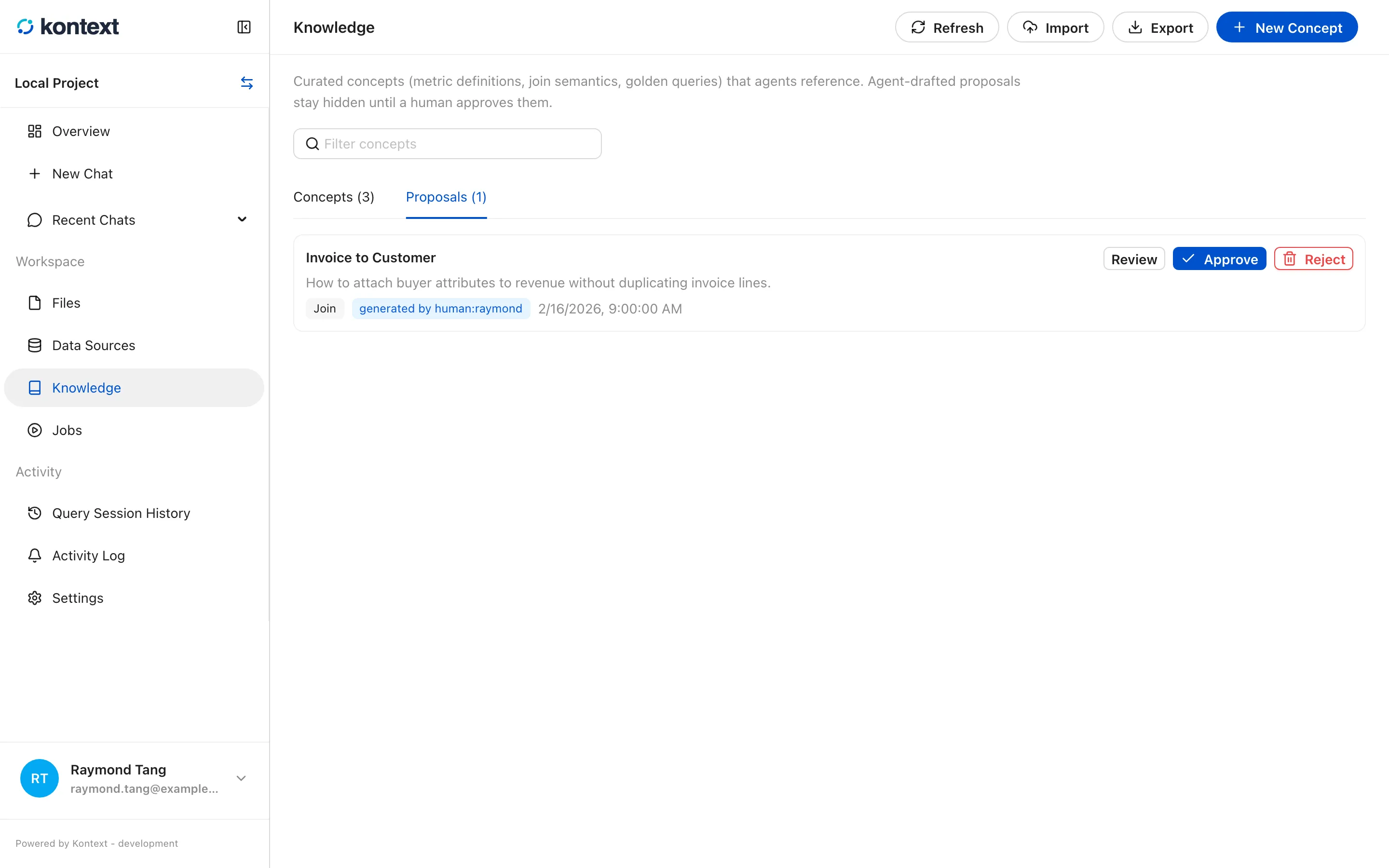
Section titled “Review agent proposals”Agents can draft concepts. A draft waits in the Proposals tab until a person approves it. Review opens the concept, Approve activates it, and Reject deletes it. The proposal keeps the generating actor and timestamp so you can see where it came from.
- The Proposals tab is the review queue for agent-drafted concepts. Review opens the concept, Approve publishes it, and Reject removes it.
Read a concept
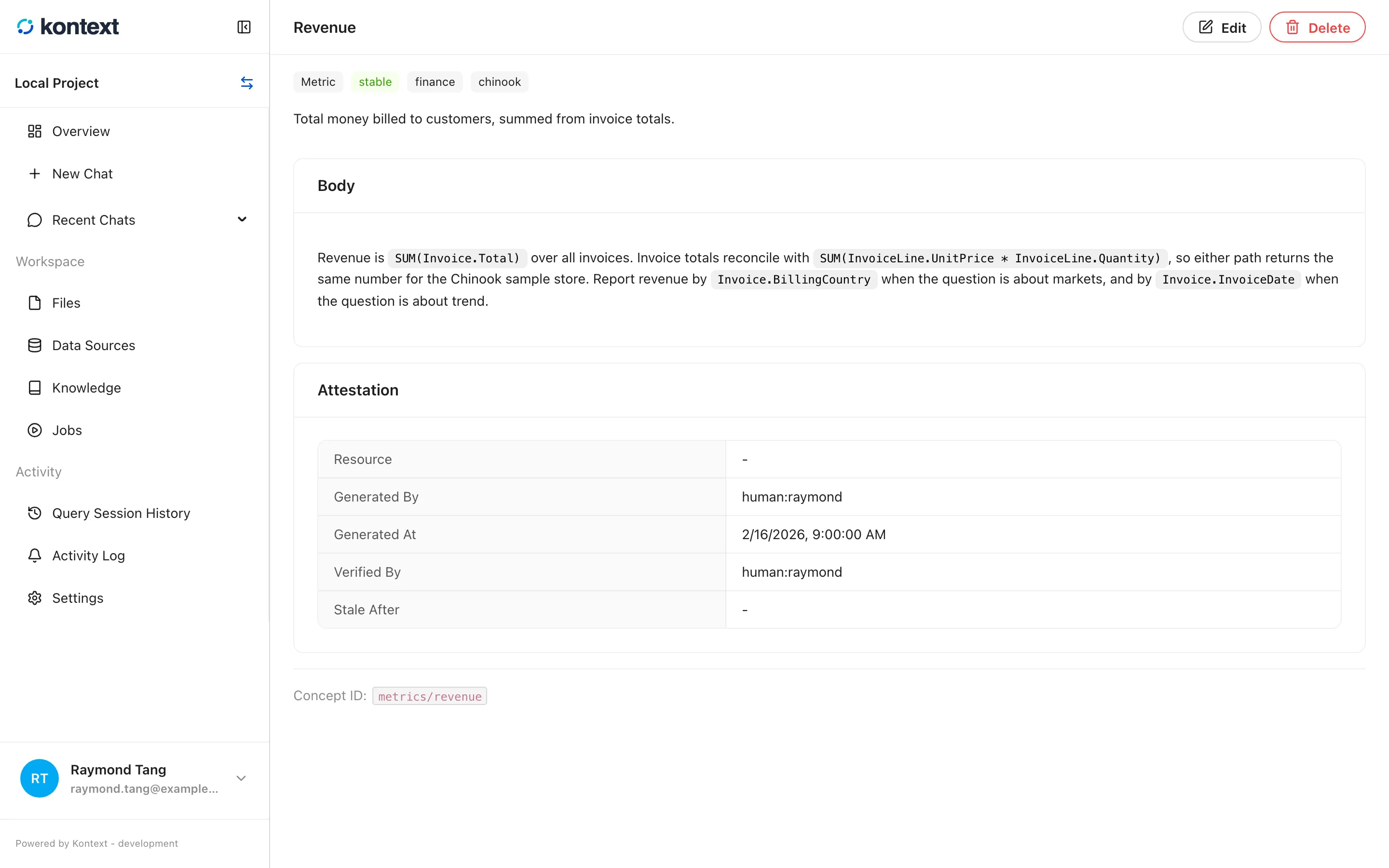
Section titled “Read a concept”A concept page renders the Markdown body and the attestation: the resource it describes, who generated it, who verified it, and when it was last checked. The concept id is shown at the bottom for use in links and agent context.
- A concept page renders the Markdown body and records where it came from: the generating actor, the people who verified it, its sources, and when it should be reviewed again.
Move knowledge between projects
Section titled “Move knowledge between projects”Export downloads the project’s concepts as an OKF bundle (.tar.gz).
Import reads a bundle into the current project; the result reports how many
concepts were imported and any conformance warnings. This is the supported way to
promote a reviewed set of concepts from one project to another.
Project documents
Section titled “Project documents”Knowledge search also covers uploaded project documents. Kontext extracts text
from Markdown (.md, .markdown), PDF, plain text (.txt), SQL, and YAML
(.yaml, .yml) files. Data-lake files (CSV, TSV, Parquet, JSON, JSONL, Excel)
and binary files such as images, Draw.io files, notebooks, charts, and data
tables are stored in the project but not indexed as knowledge documents.