Project settings
A project owns its data sources, files, chats, knowledge, and jobs. Creating and opening projects is covered in Open or create a project; this page covers the settings that apply to the project you are already in.
Edit project details
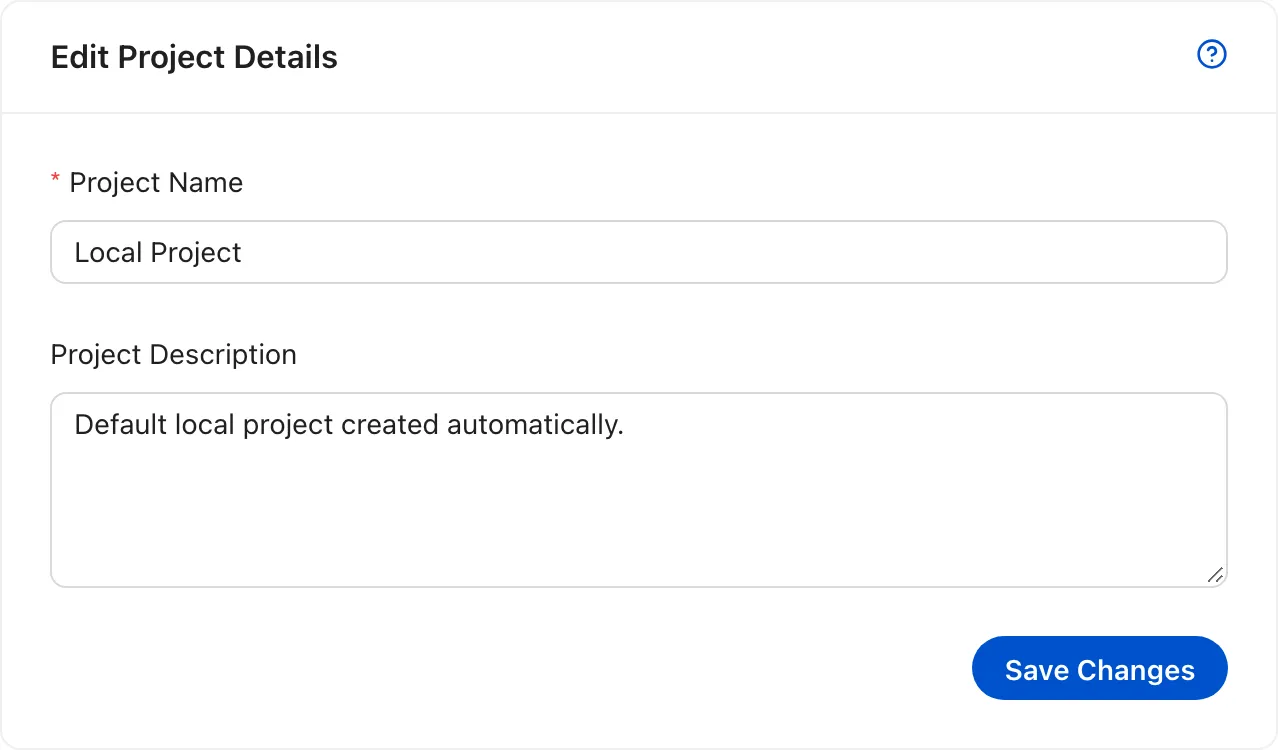
Section titled “Edit project details”Open Settings in the project sidebar. The General tab edits the project name and description. Save Changes updates the project wherever it appears. In local mode, the local profile is the only member, so the change applies to the whole workspace.
The project code is fixed when the project is created because it appears in every project URL. In local mode there is no Access & Permissions tab: the local profile owns every project, so there are no other members to invite.
- Project Settings edits the project name and description. In local mode the Access & Permissions tab is hidden because the local profile owns every project.