

Python and data frames
Python blocks run in the project runtime, not in the browser. They receive a dataframe API, and their output is stored in the document, so a reopened notebook shows the same text, JSON, and images without running anything again.
Before the first run, check Python environment. If it reports Needs preparation, select Prepare Environment so the managed runtime exists.
Share a SQL result with Python
Section titled “Share a SQL result with Python”Give a SQL block an alias, then load it from Python:
revenue = await kontext.load_data("revenue_by_country")revenue["share_pct"] = revenue["revenue"] / revenue["revenue"].sum() * 100revenueThe alias is notebook-scoped. The result is already materialized, so loading it does not re-run the query, and the dataframe is available to later blocks in the same notebook.
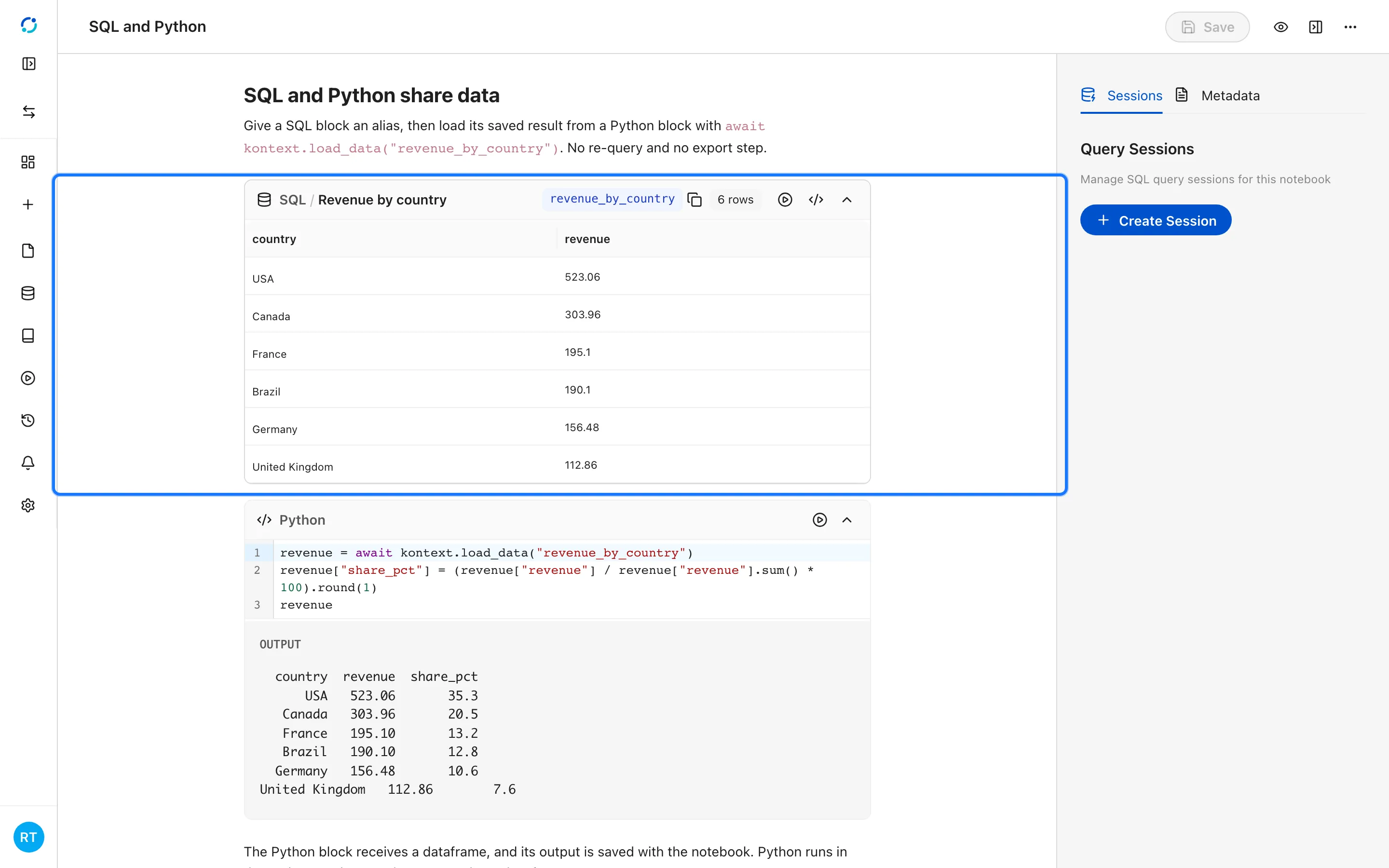
- The SQL block keeps its result and binds it to the alias revenue_by_country.
- The Python block loads the result with
await kontext.load_data("revenue_by_country"), adds a share column, and returns a dataframe. Python runs server-side in the project runtime.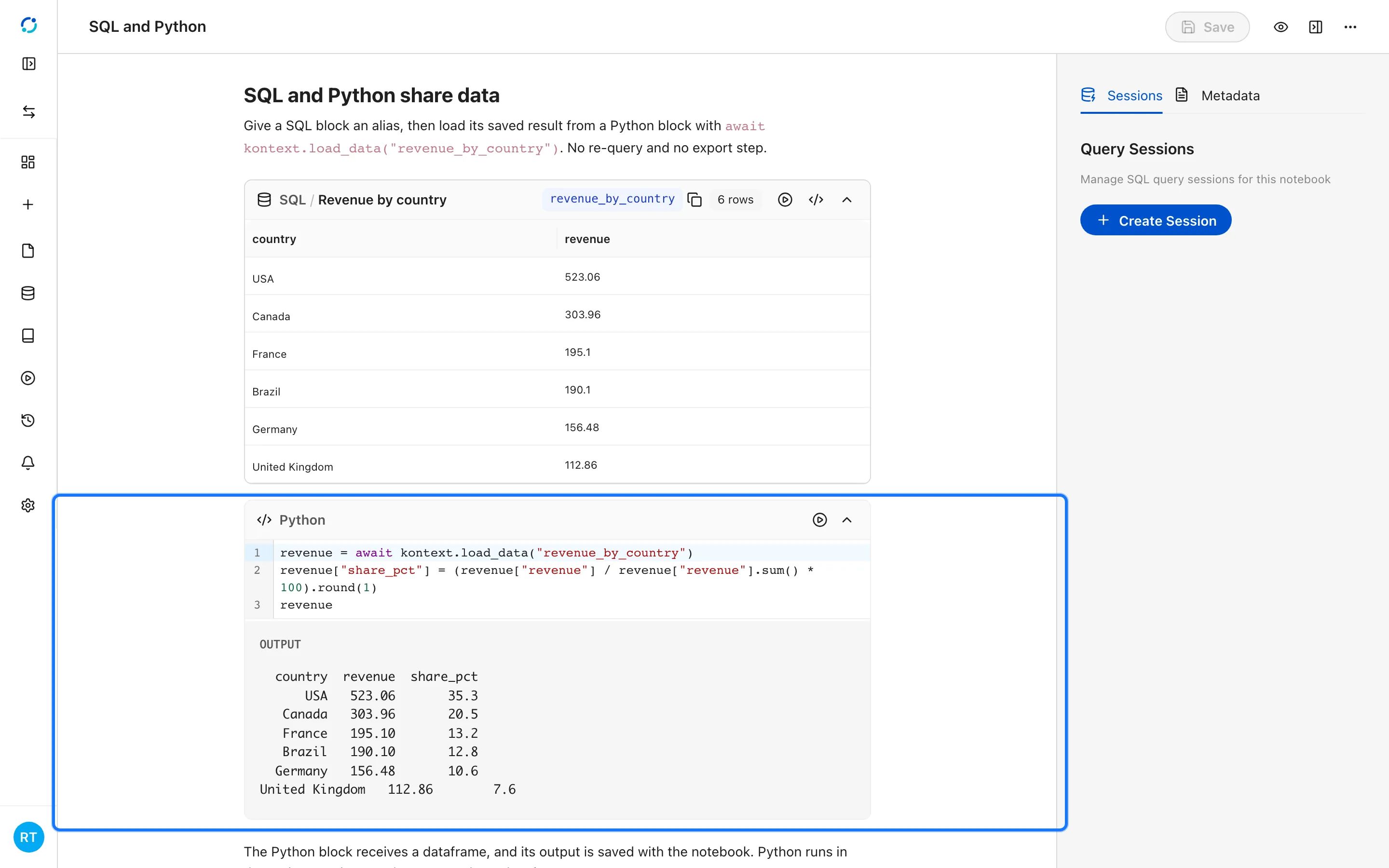
Run a block
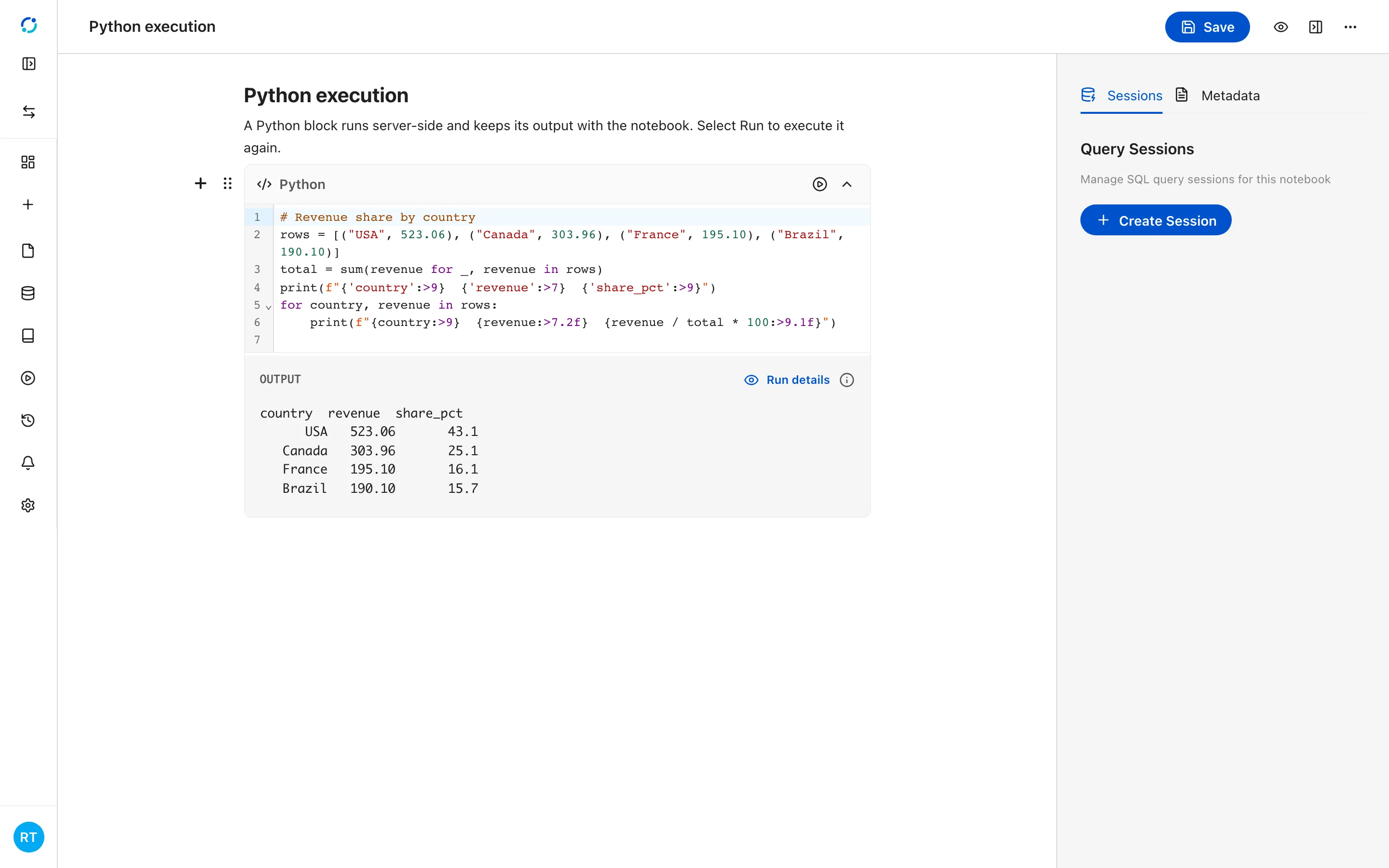
Section titled “Run a block”Select Run on the Python block. Kontext executes the code in the project runtime, stores the output with the notebook, and links the block to the managed Run details for that execution.
- Select Run on a Python block to execute it. The output is stored with the notebook and the block links to the managed Run details.
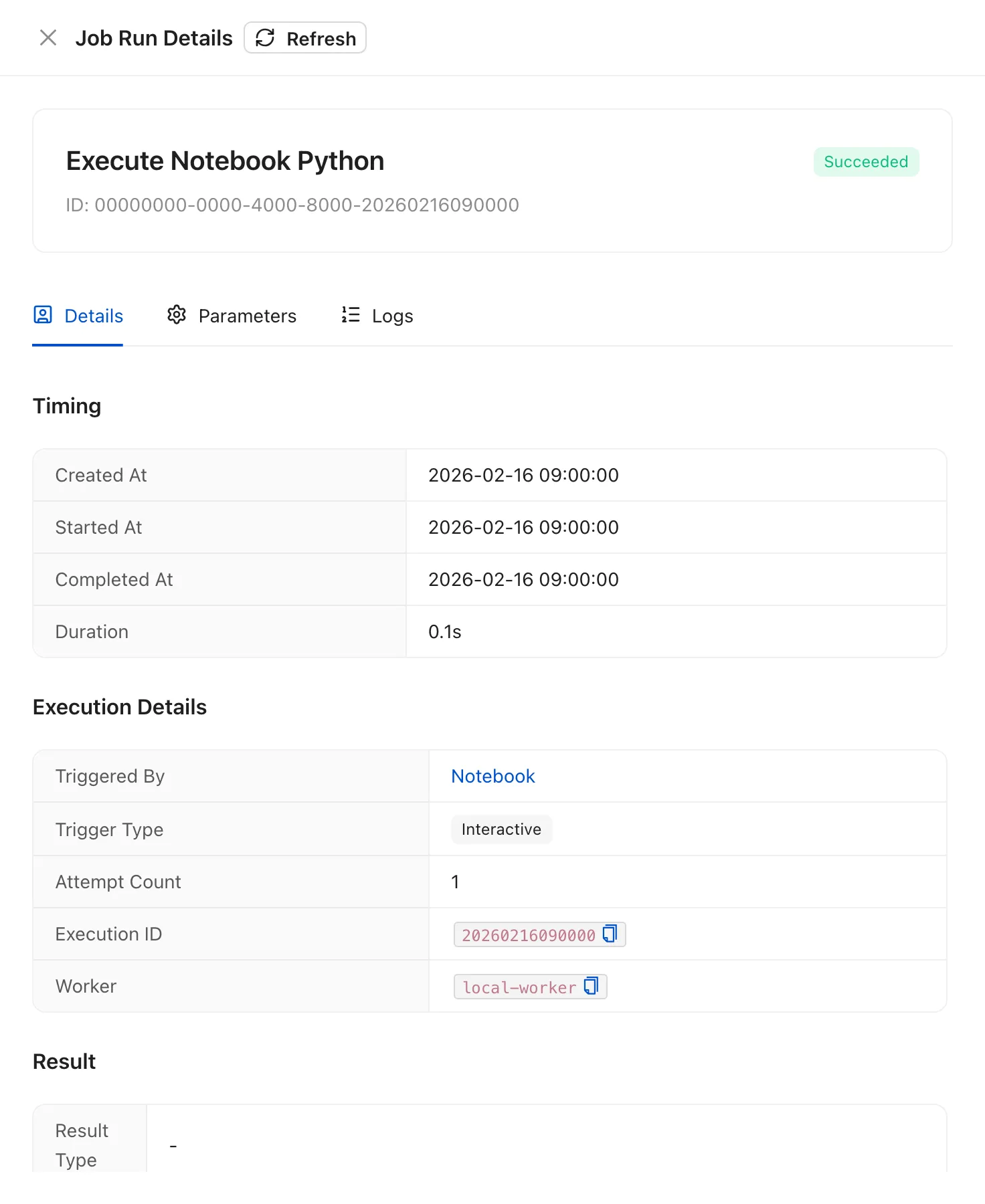
- Run details reports the execution status, timing, actor, and parameters for the block run.
Outputs
Section titled “Outputs”A Python block can return plain text, a JSON payload such as a dataframe preview, an image, or a reference to an uploaded file. All of them are saved with the notebook and survive a reload.
Save a data frame as a data table
Section titled “Save a data frame as a data table”To keep a dataframe beyond the notebook, persist it as a data table:
saved = await kontext.save_table(revenue, "revenue_by_country")saved["dataTableId"]The table becomes a .dt file in the project files, so it can be reopened on
its own or used as the source for a chart. Use it for results you want to keep;
intermediate frames do not need to be saved.