Use the macOS desktop app
The macOS app includes Kontext Studio, its Python runtime, and the packages notebooks need. There is no separate Python install and no terminal step. It requires macOS 13 Ventura or later. The download is large — several hundred megabytes — because the analysis runtime is bundled.
Download
Section titled “Download”Open the latest release and download the file for your Mac:
| Mac | File |
|---|---|
| Apple Silicon (M1 and later) | Kontext-Studio-<version>-macOS-arm64.dmg |
Only Apple Silicon Macs are supported in this beta. To check, choose → About This Mac; the Chip row should say Apple M…. Intel Macs can use the command-line install instead.
Install
Section titled “Install”- Open the downloaded DMG.
- Drag Kontext Studio into Applications.
- Open Applications and double-click Kontext Studio.
First launch of the unsigned beta
Section titled “First launch of the unsigned beta”The current beta is not yet notarized by Apple. On first launch macOS may say:
Apple could not verify “Kontext Studio” is free of malware that may harm your Mac or compromise your privacy.
Install the app in Applications before opening it; running it from the mounted disk image triggers the same warning. Then do one of these:
- Open System Settings → Privacy & Security, scroll down, and click Open Anyway next to Kontext Studio. Try again within about an hour.
- Or run this in Terminal:
xattr -dr com.apple.quarantine "/Applications/Kontext Studio.app"Only use these steps for an app downloaded from this repository’s Releases page. The DMG also includes a Read Me First file with these steps.
First run
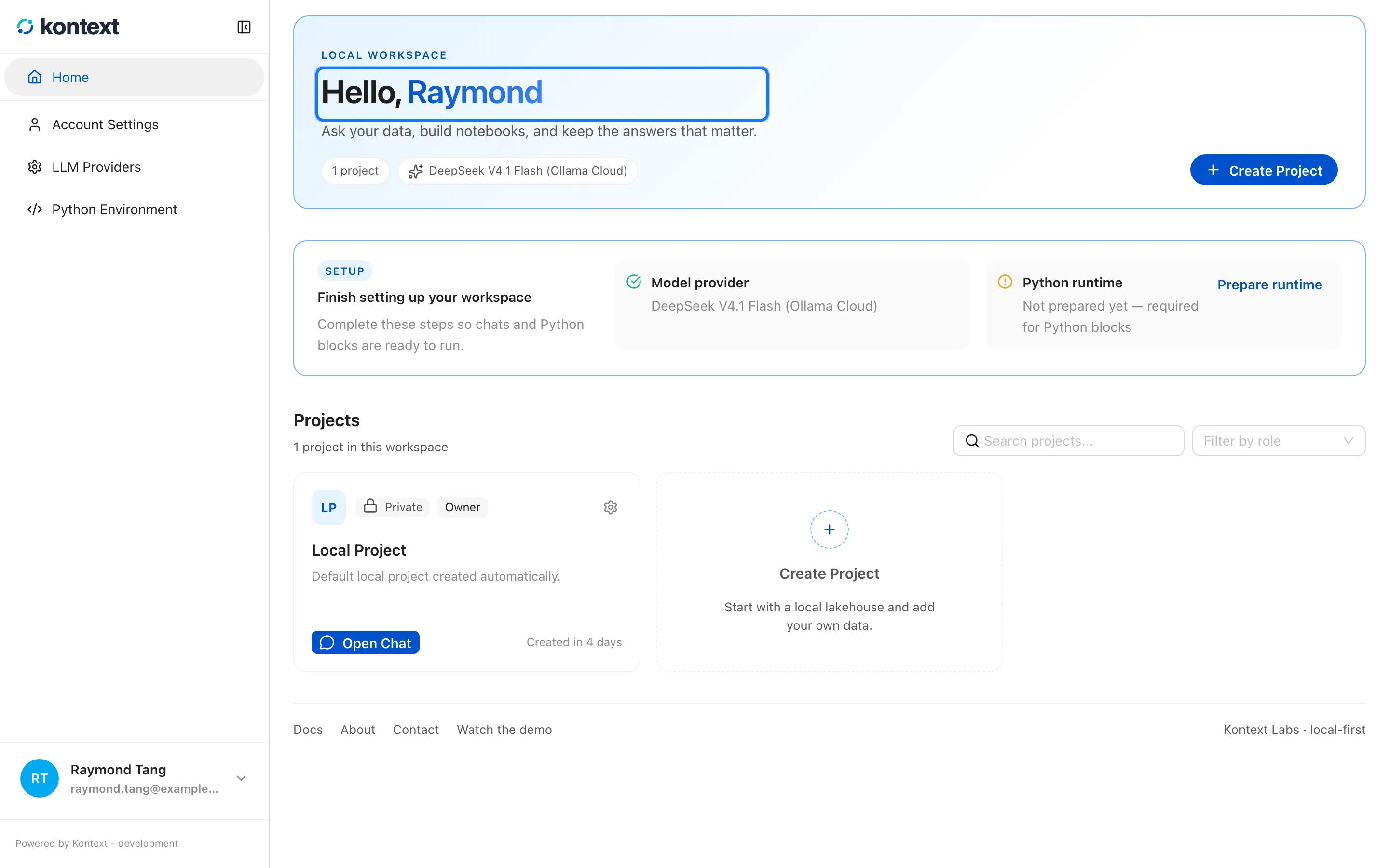
Section titled “First run”The app starts its local server and opens the workspace. Create the local profile, then create a project. The app works offline. Model providers and the semantic search model may download data the first time you use them.
Where your work lives
Section titled “Where your work lives”| What | Where |
|---|---|
| Projects, files, chats, settings | ~/.kontext |
| Logs | ~/Library/Logs/Kontext Studio |
The app and the command-line install share ~/.kontext. Do not run both at the
same time against the same workspace.
Update
Section titled “Update”Download the newer DMG from the latest release and replace the app in Applications. Your workspace is not touched. Use Help → Check for Updates to open the release page.
Uninstall
Section titled “Uninstall”Drag Kontext Studio from Applications to the Trash. To delete the workspace
as well, remove ~/.kontext. That permanently deletes projects, files, chats,
and settings.
Troubleshooting
Section titled “Troubleshooting”- The app does not start. Open Help → Open Logs and check
desktop.log. Include the last lines when reporting an issue. - A download did not appear. The app asks where to save it. Check the folder you chose.
- The window is blank after an update. Quit and reopen the app. If it persists, open the logs and report the issue.
- An external database is missing. The first desktop release includes local files, DuckDB, notebooks, and agents. External warehouse connectors are not bundled yet.